
 Tibor Tálosi
2f6bc39ef3
fixed memory leak
Tibor Tálosi
2f6bc39ef3
fixed memory leak
|
пре 1 година | |
|---|---|---|
| assets | пре 2 година | |
| docs | пре 2 година | |
| screenshots | пре 2 година | |
| src | пре 2 година | |
| LICENSE | пре 3 година | |
| README.md | пре 2 година | |
| application.fam | пре 2 година | |
| assets.c | пре 2 година | |
| assets.h | пре 2 година | |
| game_state.h | пре 2 година | |
| solitaire.c | пре 1 година | |
| solitaire_10px.png | пре 3 година |
README.md





Solitaire - Klondike for Flipper Zero
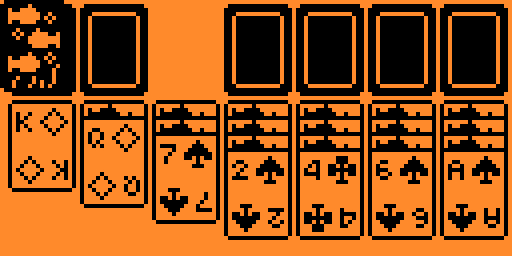
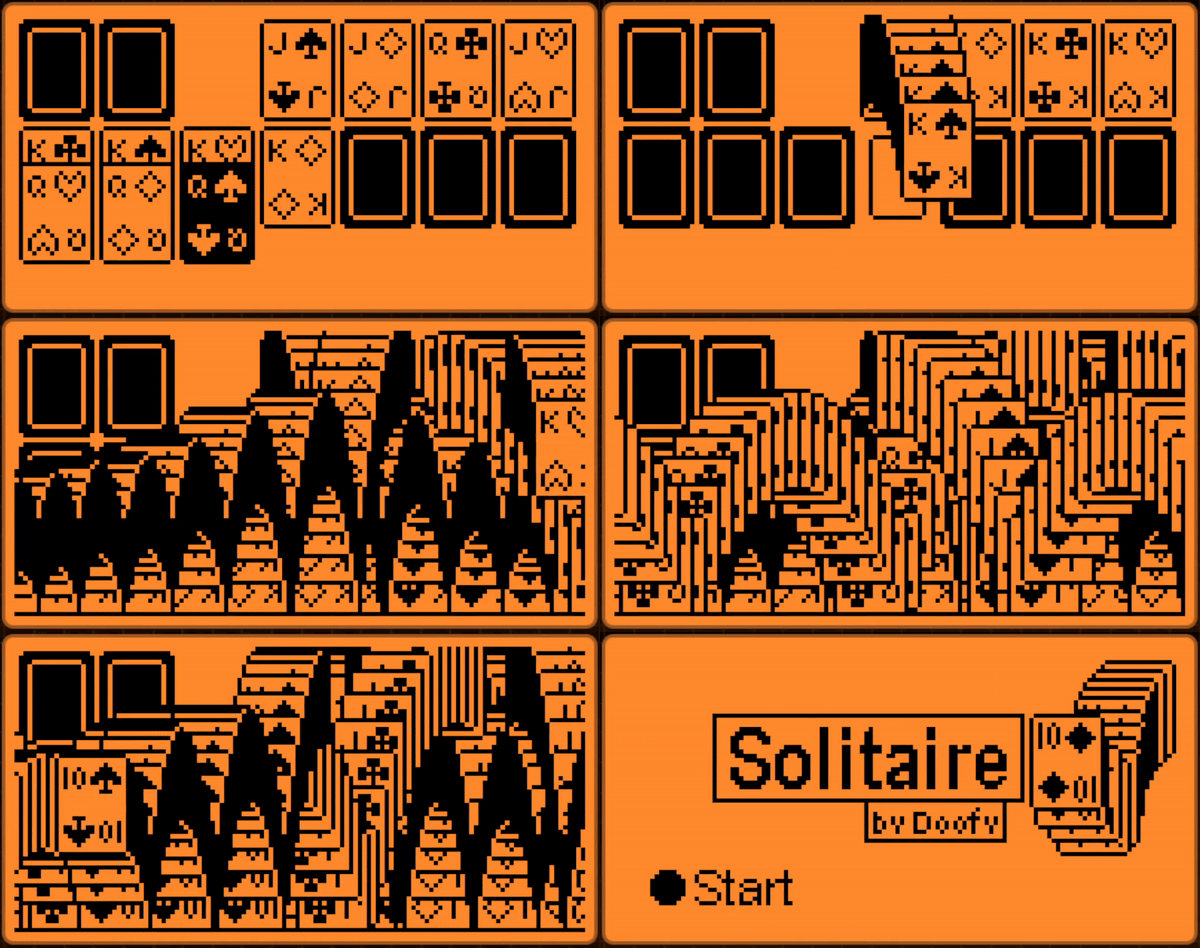
Features
- Auto-Solve: Ability to automatically solve the game when all cards are flipped.
- Animated Card Movements: Animated transitions during solve and deal.
- Time Tracking: Displays the time it took to solve at the end of each game.
- Falling Cards: Enjoy a visually satisfying cascade of cards when you win.
Shortcuts
- Long Press Any Arrow: Jump to the furthest point in that direction.
- Long Press Center: Automatically place the card in the top right section.
- Long Press Back: Close the application instantly.
Rules
- Empty Tableau Spots: Only a King can be placed in an empty tableau spot.
- Tableau Arrangement: Cards must be arranged in descending order and alternating colors (e.g., red ten on black nine) within the tableau.
- Empty Foundation Piles: Only an Ace can be placed in an empty foundation pile.
- Foundation Pile Arrangement: Cards must be in ascending order and in the same suit.
How to Play
- Use the directional arrows to navigate and move cards.
- Pick up cards with the center button.
- Aim to build up four foundation piles in ascending order, separated by suit.
- Flip and move cards within the tableau to reveal hidden cards.
- You can place back cards in the same spot you picked them up.
Building
The app should be compatible with the official and custom flipper firmwares. If not, follow these steps to build it yourself
- Set up uFBT if you haven't already
- Navigate into the folder of the game
- Run
ufbt- the finished build will be in the dist folder, copy this the fap file into your SD card