
 Dmitry Matyukhin
2250e48d9b
Switch from ValueMutex to furi_mutex
Dmitry Matyukhin
2250e48d9b
Switch from ValueMutex to furi_mutex
|
3 лет назад | |
|---|---|---|
| .github | 3 лет назад | |
| images | 3 лет назад | |
| .gitignore | 3 лет назад | |
| LICENSE | 3 лет назад | |
| README.md | 3 лет назад | |
| application.fam | 3 лет назад | |
| game_reversi.c | 3 лет назад | |
| game_reversi.png | 3 лет назад | |
| reversi.c | 3 лет назад | |
| reversi.h | 3 лет назад |

README.md
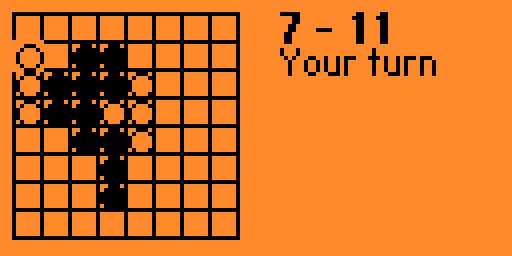
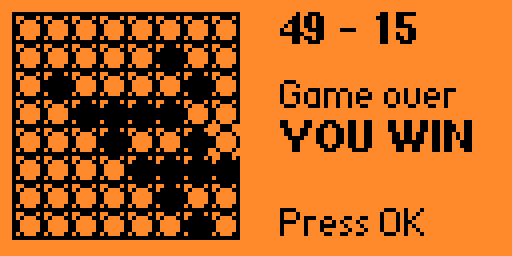
Reversi game for Flipper Zero
Compile
- Clone firmware
- Go to the
applications_userdirectory Create a symlink to this repo assuming that these two repos are on the same level:
ln -s ../../flipperzero-reversi flipperzero-reversiFrom the main directory of the firmware run:
./fbt faps
Install
- Open folder
./build/f7-firmware-D/.extapps/from the firmware directory - Open qFlipper
- Open File Manager, SD Card/apps/games
- Drag
game_reversi.fappto qFlipper
Controls
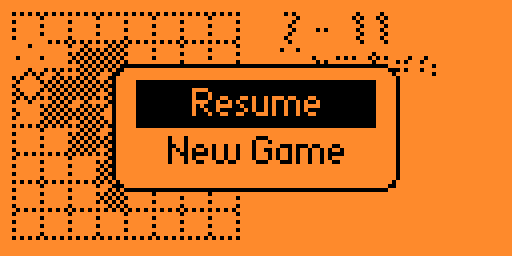
The game controls should be intuitive. Longs press on OK opens the menu to start a new game.
Thanks to:
License
MIT Copyright 2023 Dmitry Matyukhin