
README.md 8.3 KB

Bambuddy
Self-hosted print archive and management system for Bambu Lab 3D printers




Features • Screenshots • Quick Start • Documentation • Contributing
Testers Needed! I only have X1C and H2D devices. Help make Bambuddy work with all Bambu Lab printers by reporting your experience!
Why Bambuddy?
- Own your data — All print history stored locally, no cloud dependency
- Works offline — Uses LAN Mode for direct printer communication
- Full automation — Schedule prints, auto power-off, get notified when done
- Multi-printer support — Manage your entire print farm from one interface
✨ Features
| ### 📦 Print Archive - Automatic 3MF archiving with metadata - 3D model preview (Three.js) - Duplicate detection & full-text search - Photo attachments & failure analysis - Re-print to any connected printer - Archive comparison (side-by-side diff) ### 📊 Monitoring & Stats - Real-time printer status via WebSocket - HMS error monitoring - Print success rates & trends - Filament usage tracking - Cost analytics & failure analysis - CSV/Excel export ### ⏰ Scheduling & Automation - Print queue with drag-and-drop - Scheduled prints (date/time) - Smart plug integration (Tasmota) - Auto power-on before print - Auto power-off after cooldown ### 📁 Projects - Group related prints (e.g., "Voron Build") - Track progress with target counts - Color-coded project badges - Assign archives via context menu | ### 🔔 Notifications - WhatsApp, Telegram, Discord - Email, Pushover, ntfy - Custom webhooks - Quiet hours & daily digest - Customizable message templates ### 🔧 Integrations - [Spoolman](https://github.com/Donkie/Spoolman) filament sync - Bambu Cloud profile management - K-profiles (pressure advance) - External sidebar links - Webhooks & API keys ### 🛠️ Maintenance - Maintenance scheduling & tracking - Interval reminders (hours/days) - Print time accuracy stats - File manager for printer storage |
Plus: Dark/light theme • Mobile responsive • Keyboard shortcuts • Multi-language (EN/DE) • Auto updates
📸 Screenshots
Click to expand screenshots
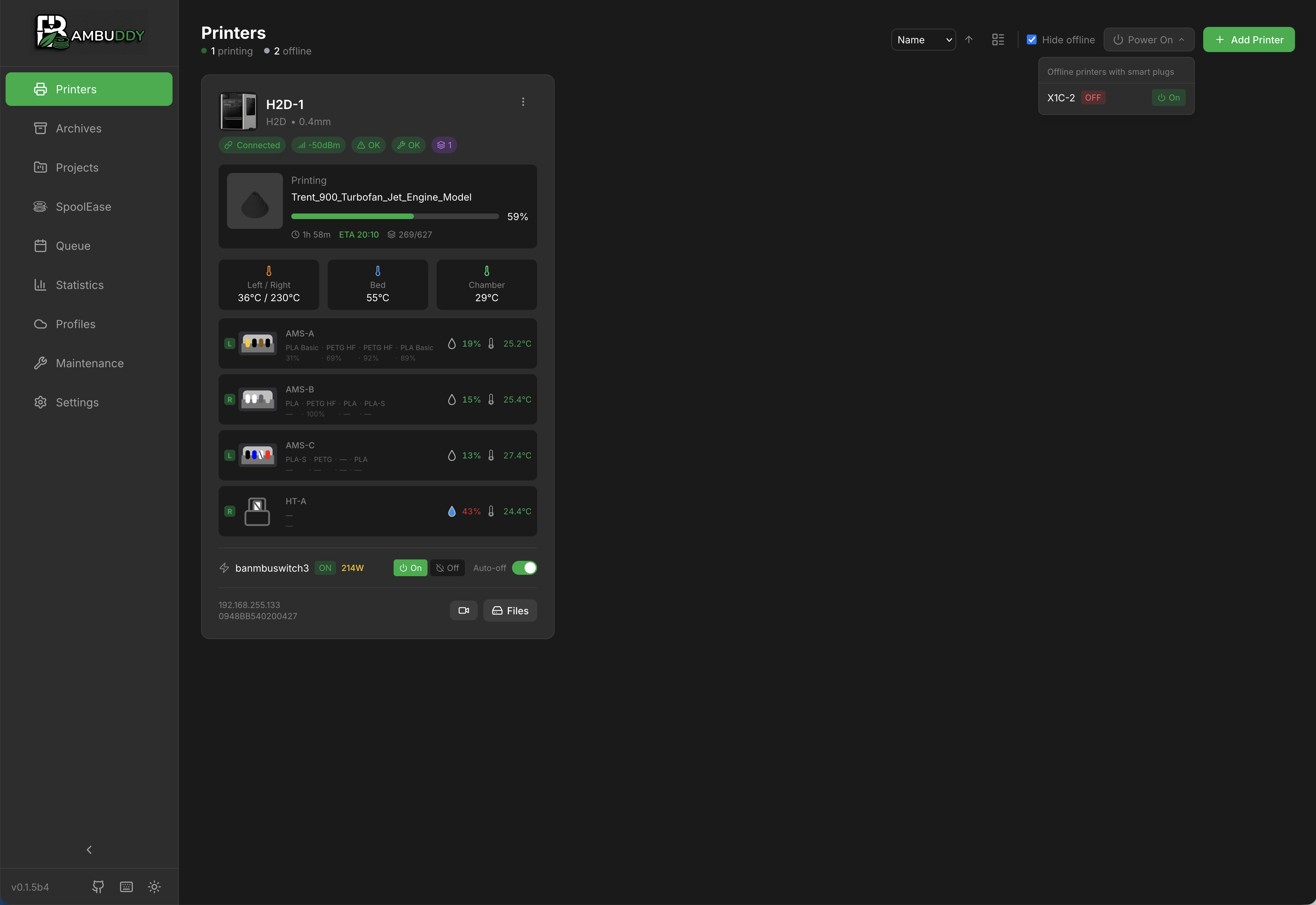
Real-time printer monitoring with AMS status
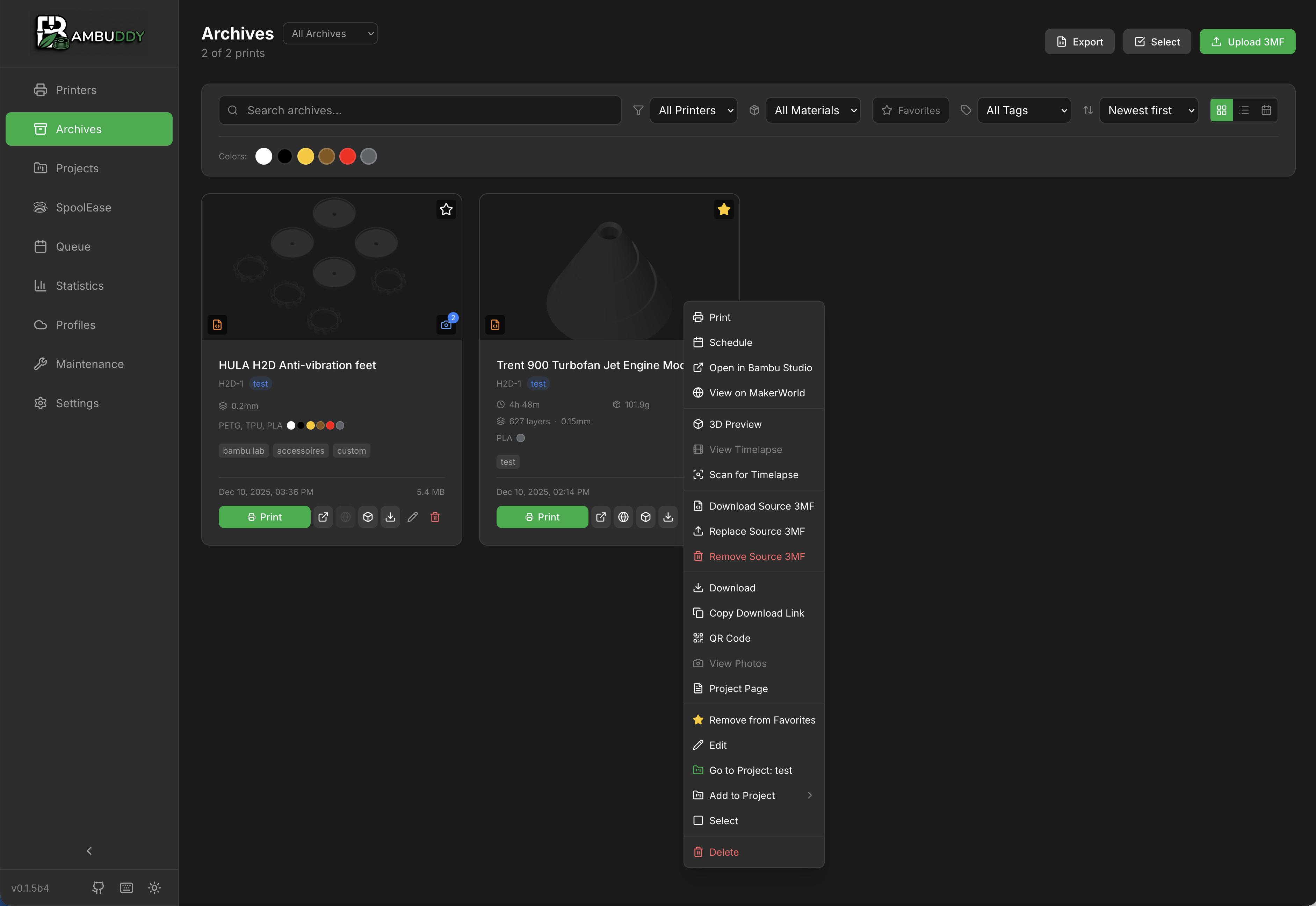
Print archive with context menu and project assignment
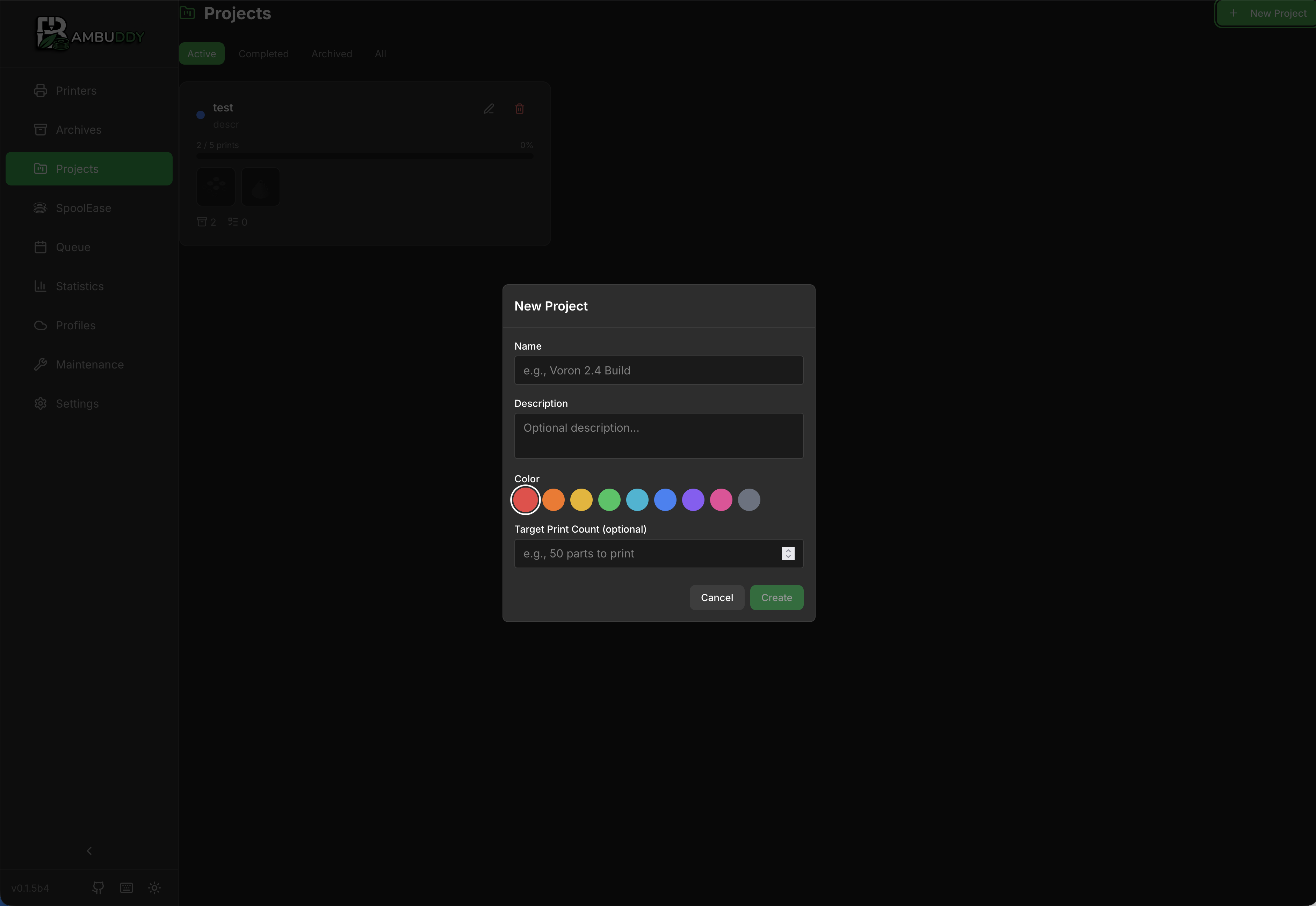
Group related prints into projects
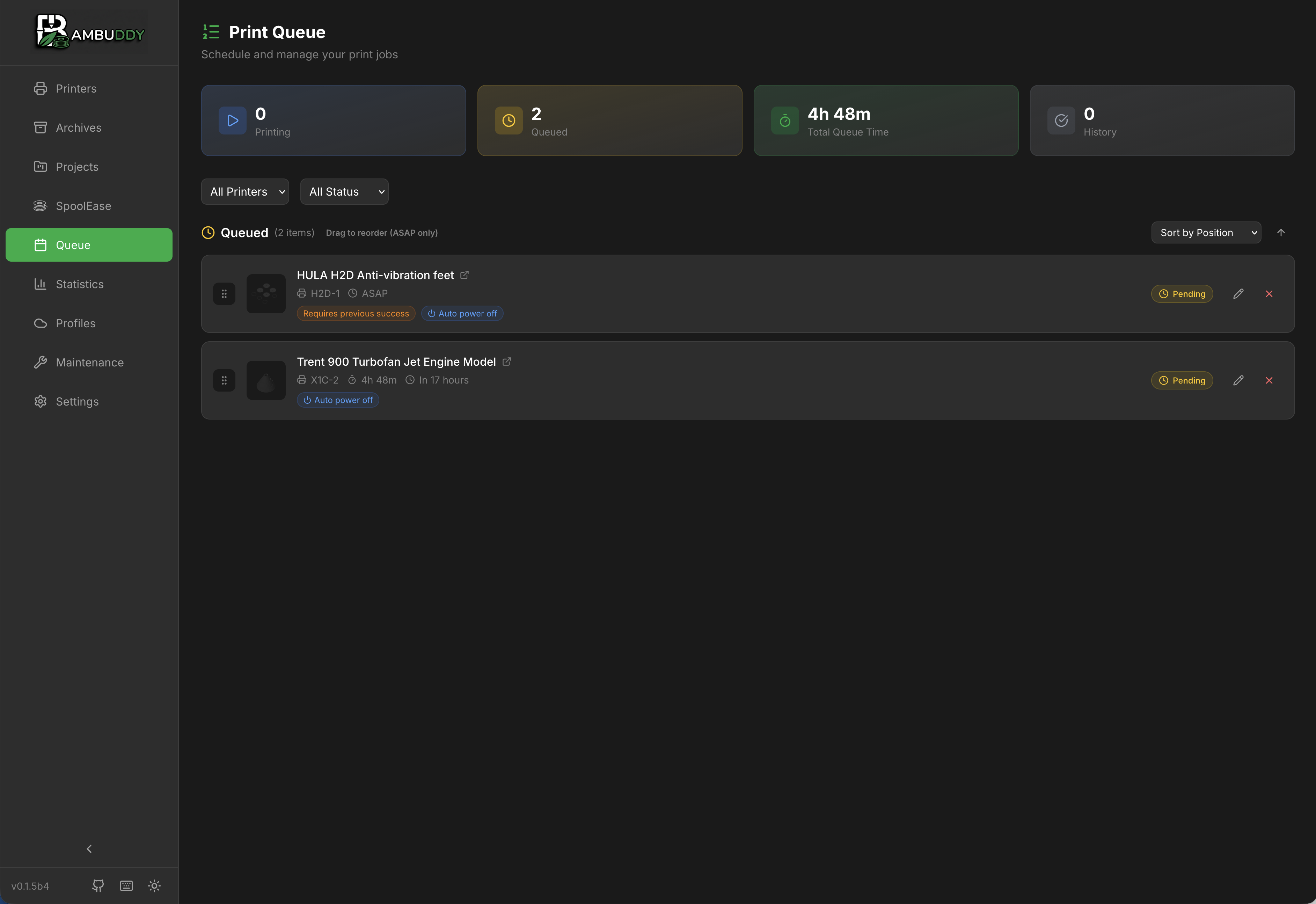
Print scheduling and queue management
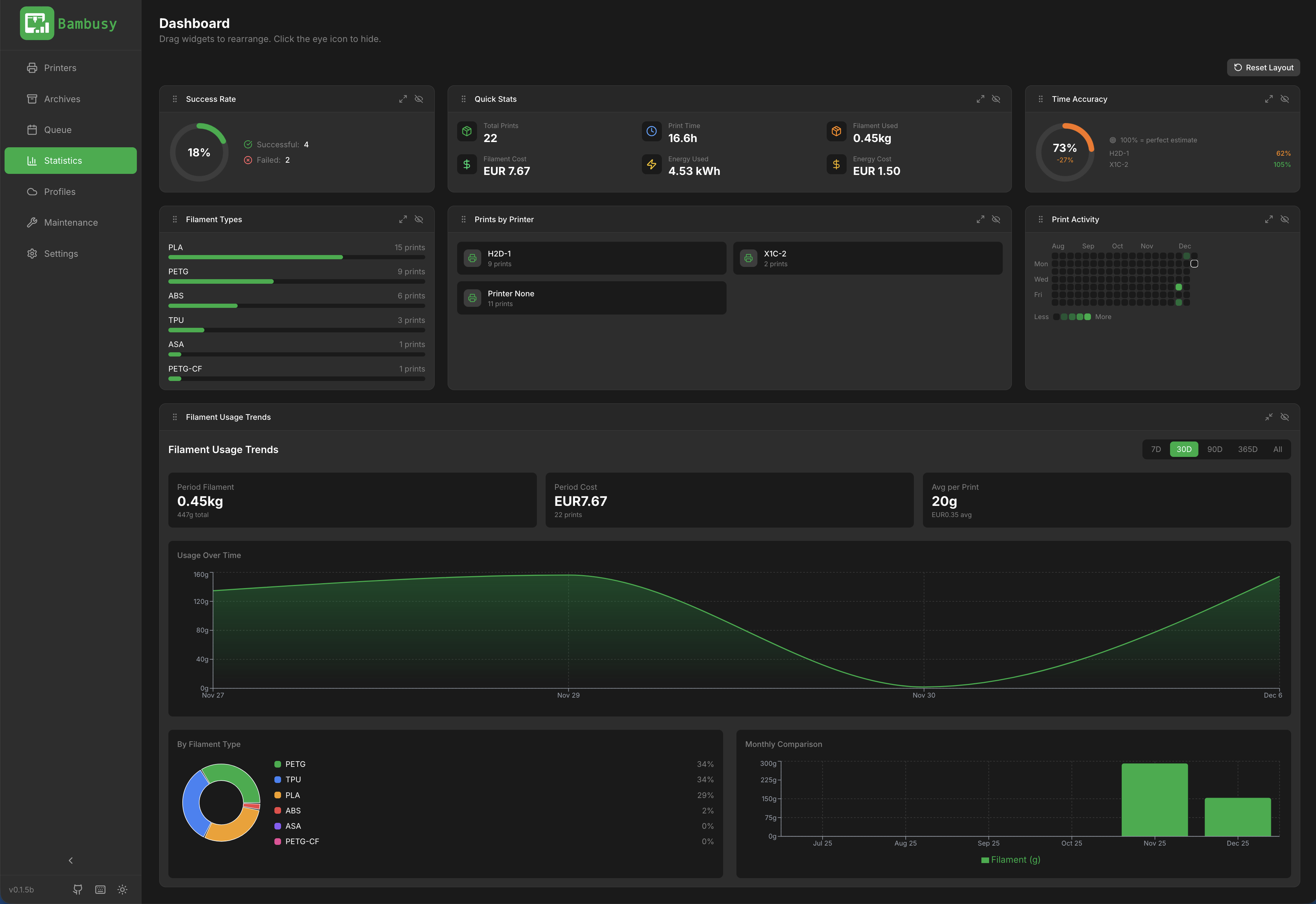
Customizable statistics dashboard
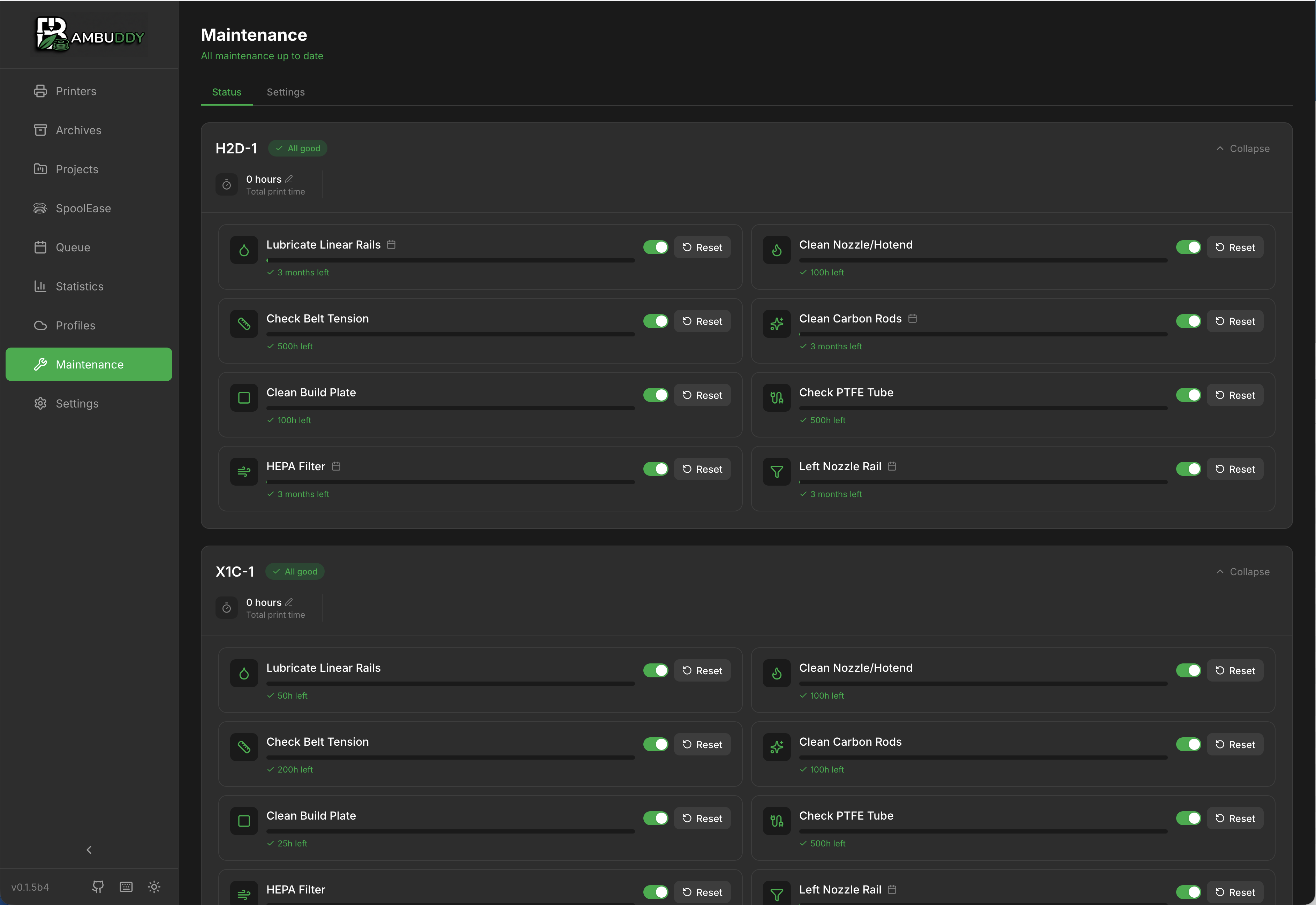
Maintenance tracking per printer
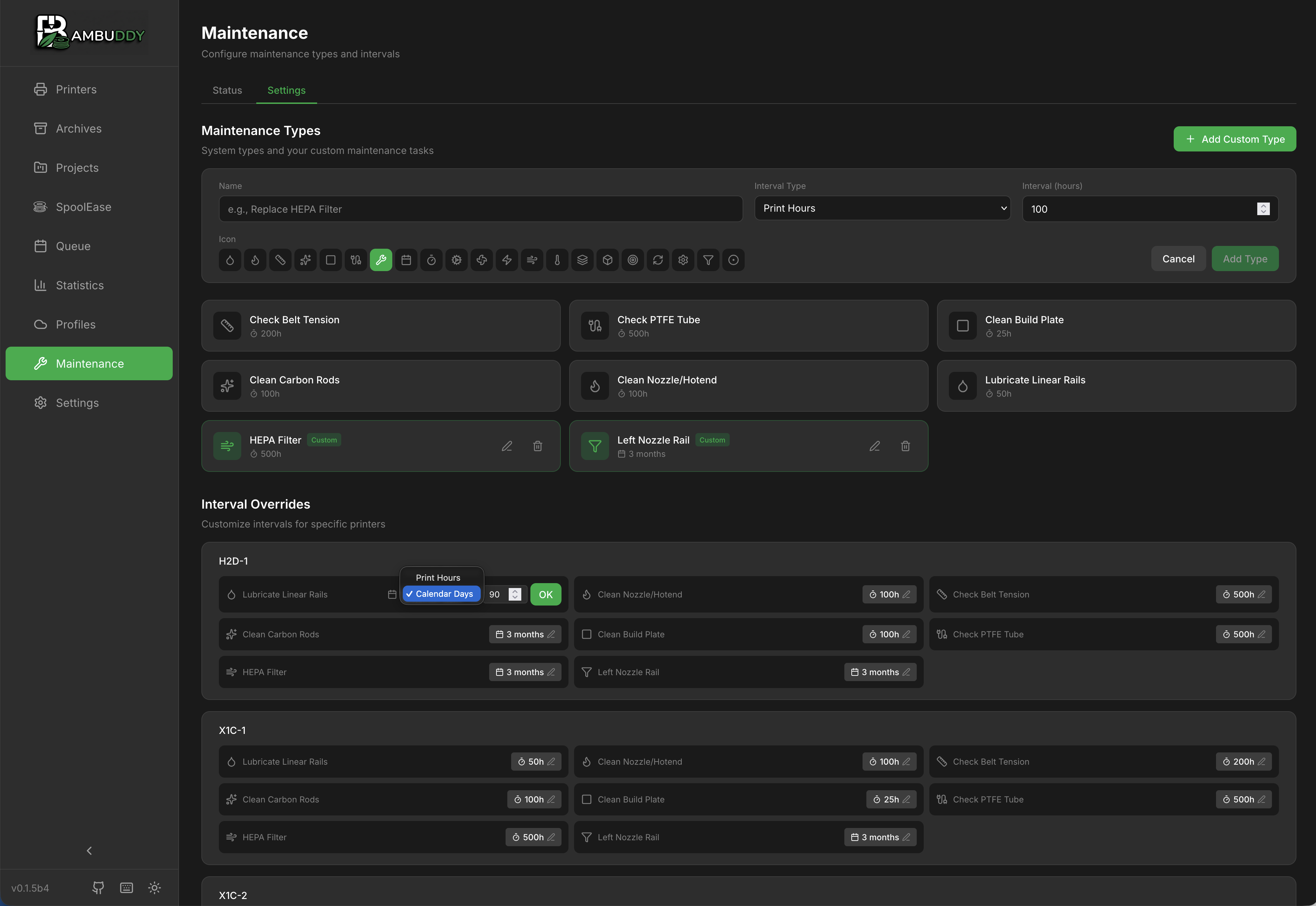
Configure maintenance types and intervals
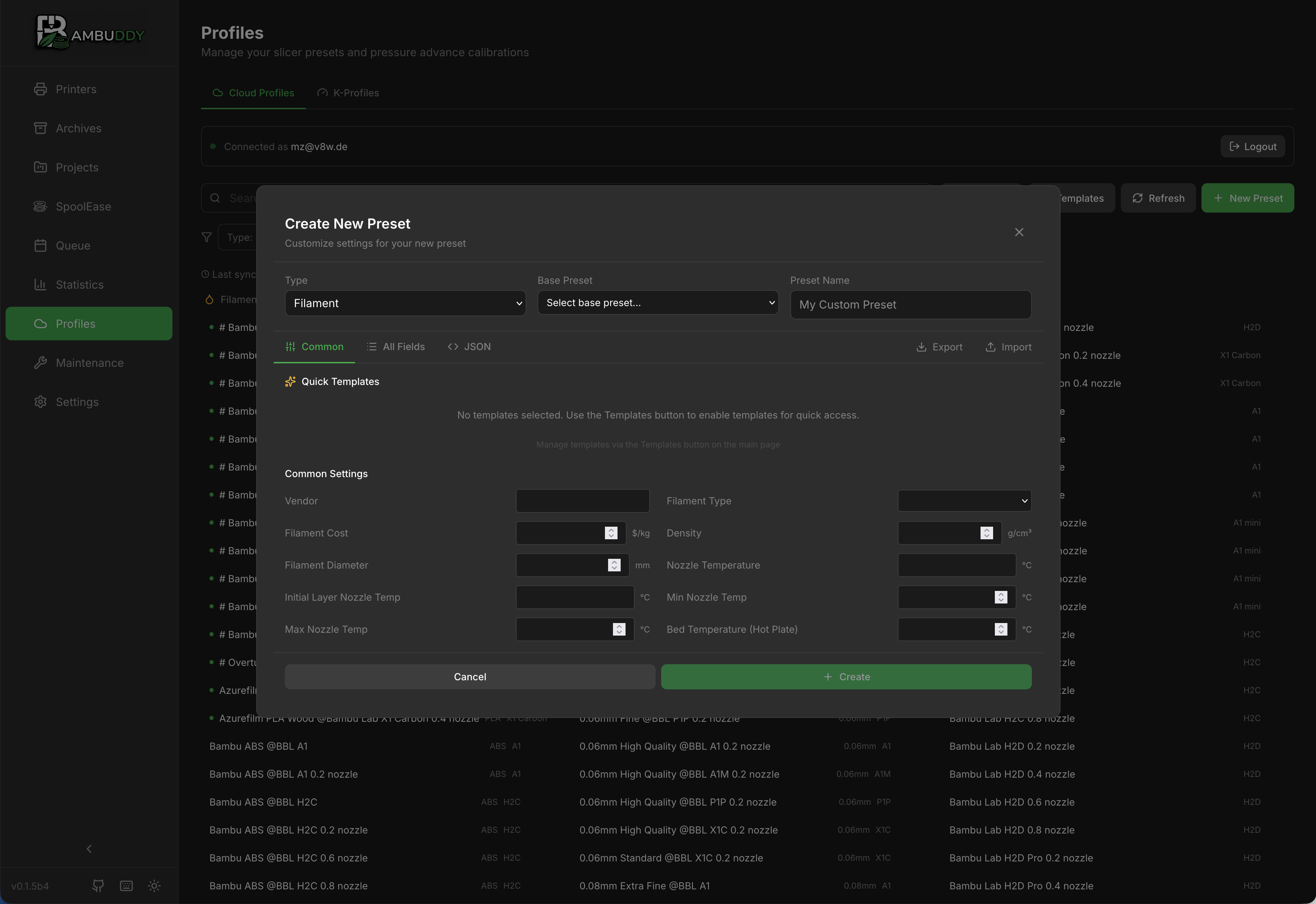
Create and manage filament profiles
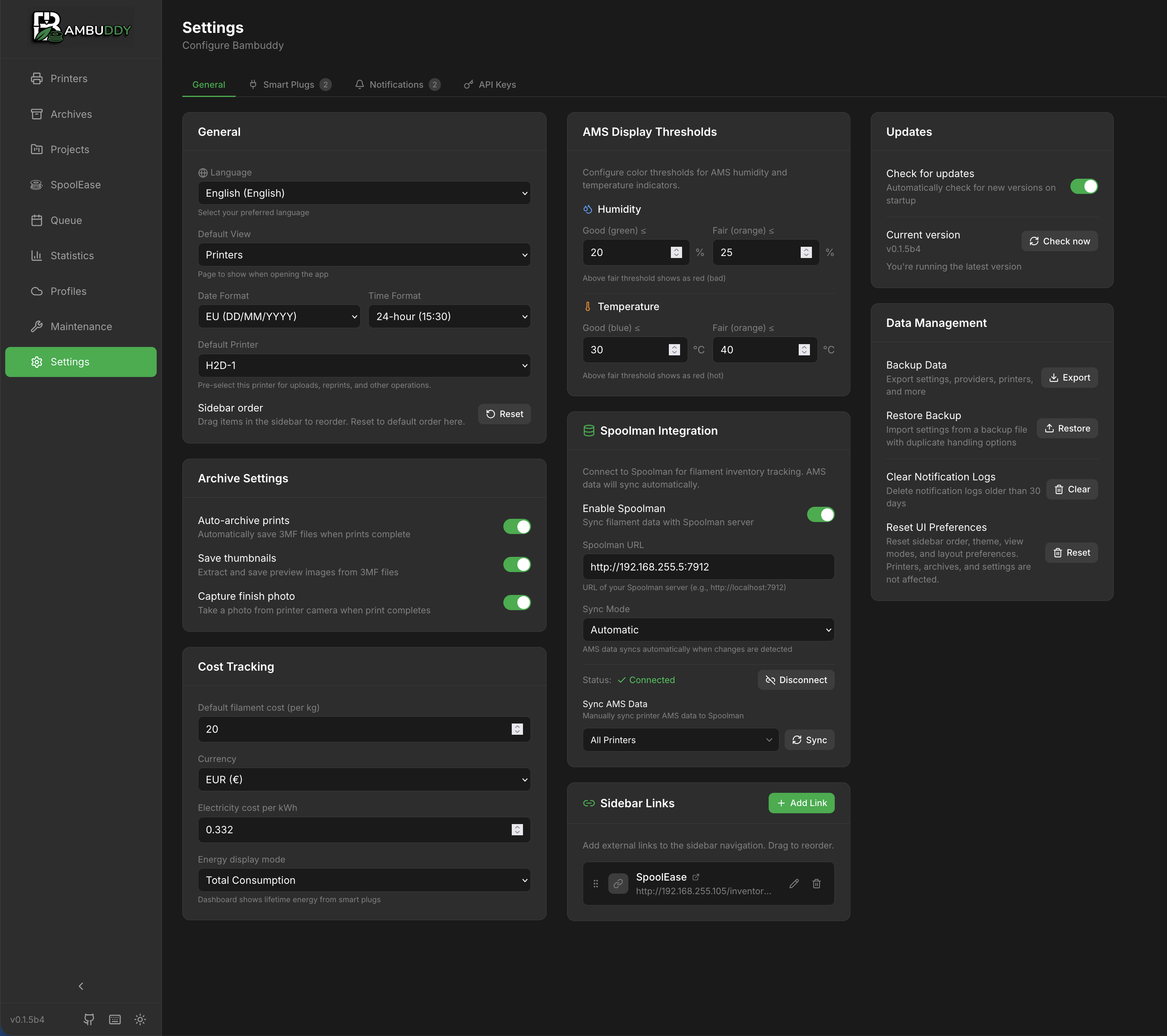
Configuration and integrations
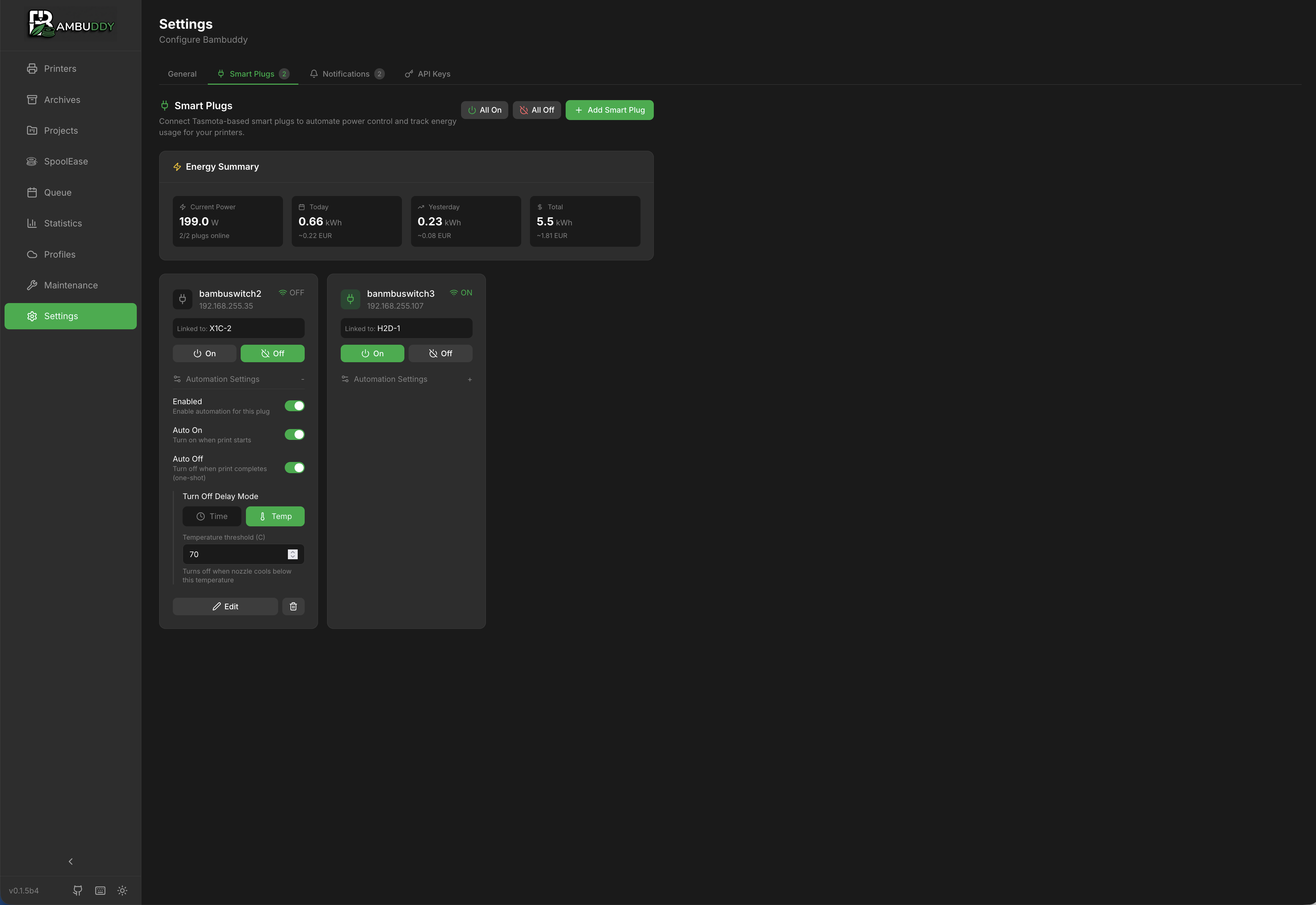
Smart plug control and automation
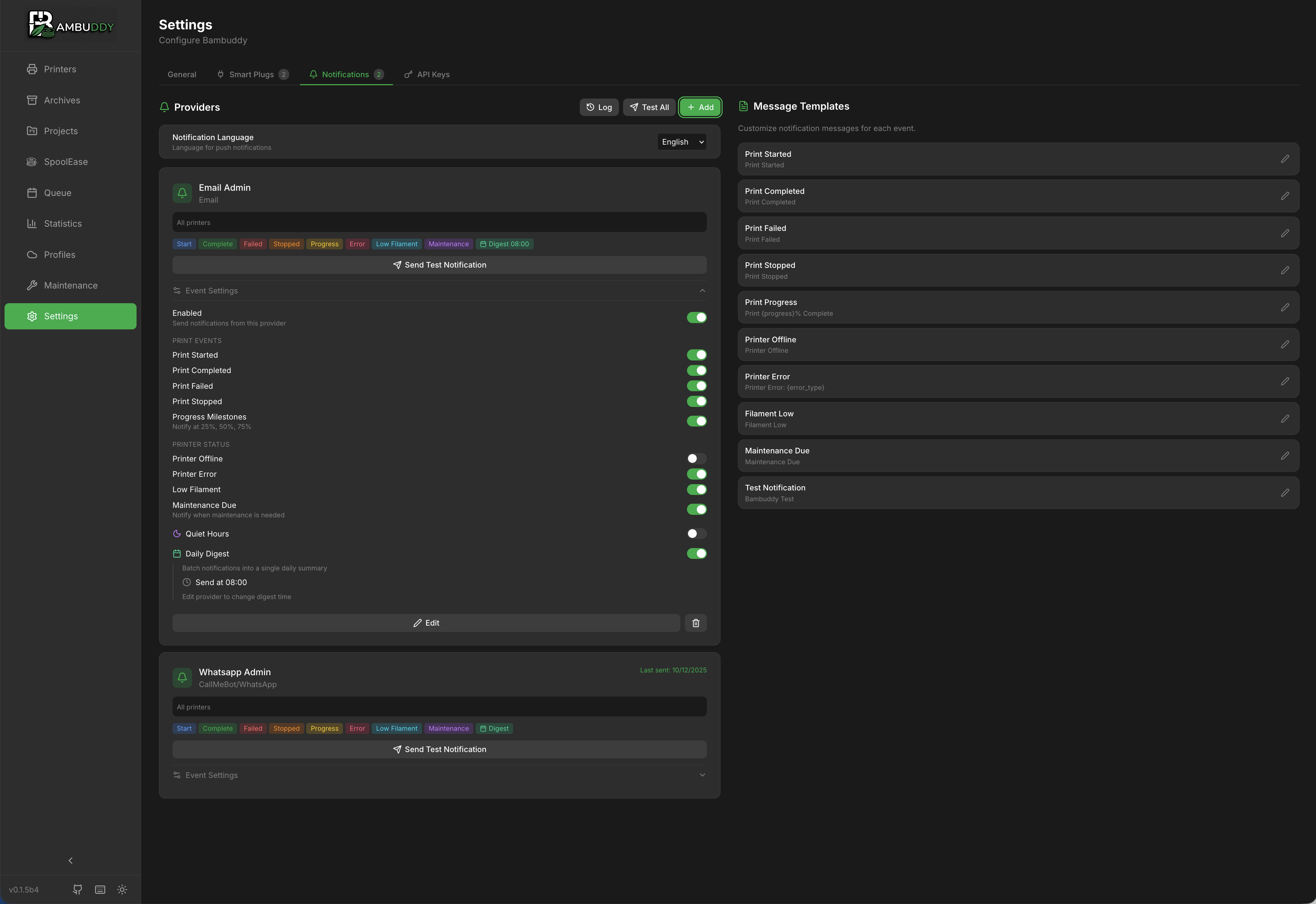
Multi-provider notification system
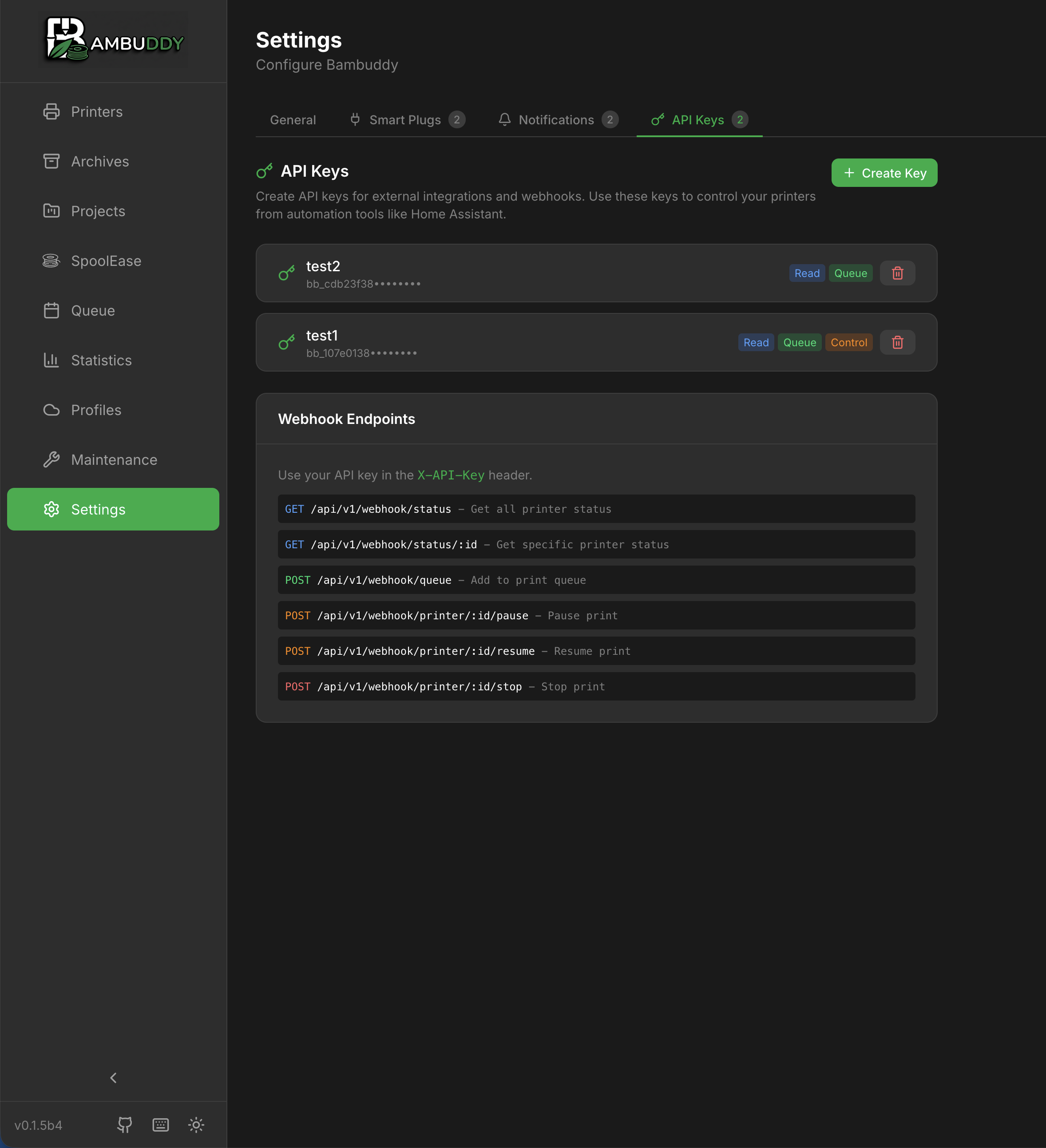
API keys and webhook endpoints
🚀 Quick Start
Requirements
- Python 3.10+ (3.11/3.12 recommended)
- Bambu Lab printer with LAN Mode enabled
- Same local network as printer
Installation
# Clone and setup
git clone https://github.com/maziggy/bambuddy.git
cd bambuddy
python3 -m venv venv
source venv/bin/activate
pip install -r requirements.txt

# Run
uvicorn backend.app.main:app --host 0.0.0.0 --port 8000
Open http://localhost:8000 and add your printer!
Need detailed instructions? See the Installation Guide
Enabling LAN Mode
- On printer: Settings → Network → LAN Mode
- Enable LAN Mode and note the Access Code
- Find IP address in network settings
- Find Serial Number in device info
📚 Documentation
Full documentation available in the Wiki:
- Installation — All installation methods
- Getting Started — First printer setup
- Features — Detailed feature guides
- Troubleshooting — Common issues & solutions
- API Reference — REST API documentation
🖨️ Supported Printers
| Series | Models | Status |
|---|---|---|
| H2 | H2C, H2D, H2S | ✅ Tested (H2D) |
| X1 | X1, X1 Carbon | ✅ Tested (X1C) |
| P1 | P1P, P1S | 🧪 Needs testing |
| A1 | A1, A1 Mini | 🧪 Needs testing |
🛠️ Tech Stack
| Component | Technology |
|---|---|
| Backend | Python, FastAPI, SQLAlchemy |
| Frontend | React, TypeScript, Tailwind CSS |
| Database | SQLite |
| 3D Viewer | Three.js |
| Communication | MQTT (TLS), FTPS |
🤝 Contributing
Contributions welcome! Here's how to help:
- Test — Report issues with your printer model
- Translate — Add new languages
- Code — Submit PRs for bugs or features
Document — Improve wiki and guides
# Development setup
git clone https://github.com/maziggy/bambuddy.git
cd bambuddy

# Backend
python3 -m venv venv && source venv/bin/activate
pip install -r requirements.txt
DEBUG=true uvicorn backend.app.main:app --reload

# Frontend (separate terminal)
cd frontend && npm install && npm run dev
See CONTRIBUTING.md for guidelines.
📄 License
MIT License — see LICENSE for details.
🙏 Acknowledgments
- Bambu Lab for amazing printers
- The reverse engineering community for protocol documentation
- All testers and contributors
Made with ❤️ for the 3D printing community
Report Bug •
Request Feature •
Documentation