
fork https://github.com/edgardmessias/glpi-singlesignon
 root
5029ddd989
Fix bug redirection
root
5029ddd989
Fix bug redirection
|
%!s(int64=3) %!d(string=hai) anos | |
|---|---|---|
| .github | %!s(int64=4) %!d(string=hai) anos | |
| .vscode | %!s(int64=4) %!d(string=hai) anos | |
| front | %!s(int64=3) %!d(string=hai) anos | |
| inc | %!s(int64=3) %!d(string=hai) anos | |
| locales | %!s(int64=4) %!d(string=hai) anos | |
| screenshots | %!s(int64=5) %!d(string=hai) anos | |
| .editorconfig | %!s(int64=7) %!d(string=hai) anos | |
| .gitignore | %!s(int64=5) %!d(string=hai) anos | |
| .phpcs.xml | %!s(int64=5) %!d(string=hai) anos | |
| LICENSE.md | %!s(int64=4) %!d(string=hai) anos | |
| README.md | %!s(int64=5) %!d(string=hai) anos | |
| RoboFile.php | %!s(int64=4) %!d(string=hai) anos | |
| composer.json | %!s(int64=4) %!d(string=hai) anos | |
| composer.lock | %!s(int64=5) %!d(string=hai) anos | |
| hook.php | %!s(int64=4) %!d(string=hai) anos | |
| plugin.png | %!s(int64=7) %!d(string=hai) anos | |
| plugin.xml | %!s(int64=5) %!d(string=hai) anos | |
| providers.json | %!s(int64=4) %!d(string=hai) anos | |
| setup.php | %!s(int64=4) %!d(string=hai) anos |

README.md
Single Sign-On for GLPI


Single sign-on (SSO) is a property of access control of multiple related, yet independent, software systems. With this property, a user logs in with a single ID and password to gain access to any of several related systems.
Installation
- Uncompress the archive to the
<GLPI_ROOT>/plugins/singlesignondirectory - Navigate to the Configuration > Plugins page,
- Install and activate the plugin.
Usage
- Go to
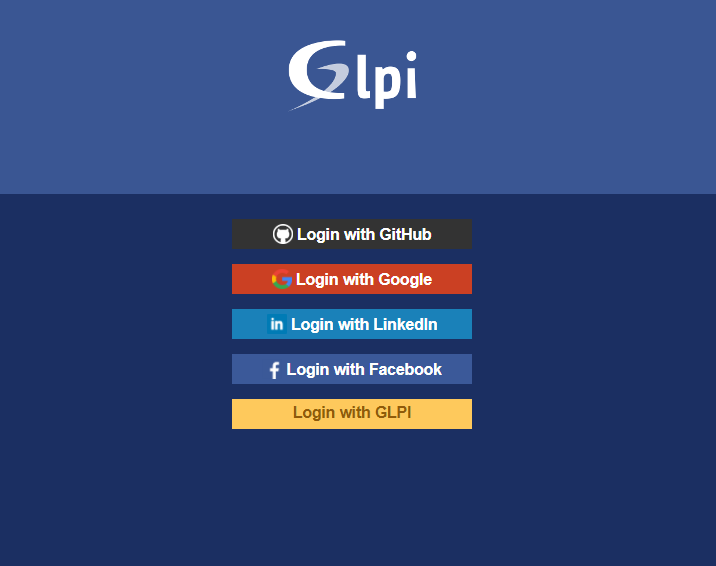
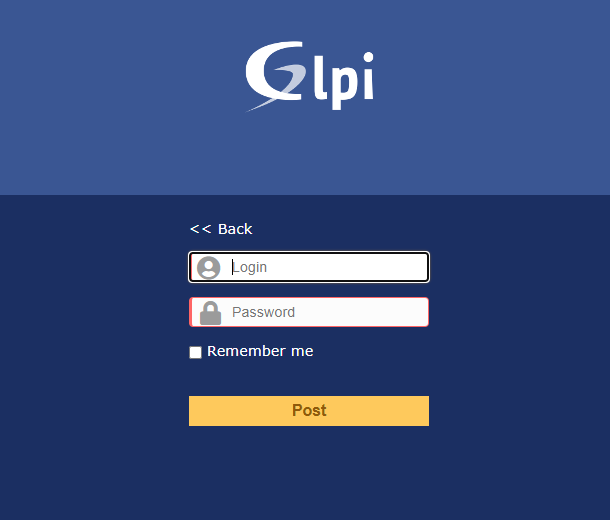
Configuration > Single Sign-Onand add a provider - To test, do logout and try login with links below login page
Login with <name>
Available providers
- Azure - https://docs.microsoft.com/azure/app-service/configure-authentication-provider-aad
- Facebook - https://developers.facebook.com/docs/apps/
- GitHub - https://developer.github.com/apps/building-oauth-apps/creating-an-oauth-app/
- Google - https://developers.google.com/identity/protocols/OpenIDConnect
- Instagram - https://www.instagram.com/developer/authentication/
- LinkedIn - https://docs.microsoft.com/en-us/linkedin/shared/authentication/authorization-code-flow?context=linkedin/context
- Generic - Allow to define custom URLs
Screenshots
Donation
PayPal 
|
Pix (Brazil) 28571c52-8b9b-416c-a18f-8e52460608
|