README.md 2.3 KB
Tama P1 Emulator for Flipper Zero
This is a tama P1 Emulator app for Flipper Zero, based on TamaLIB.
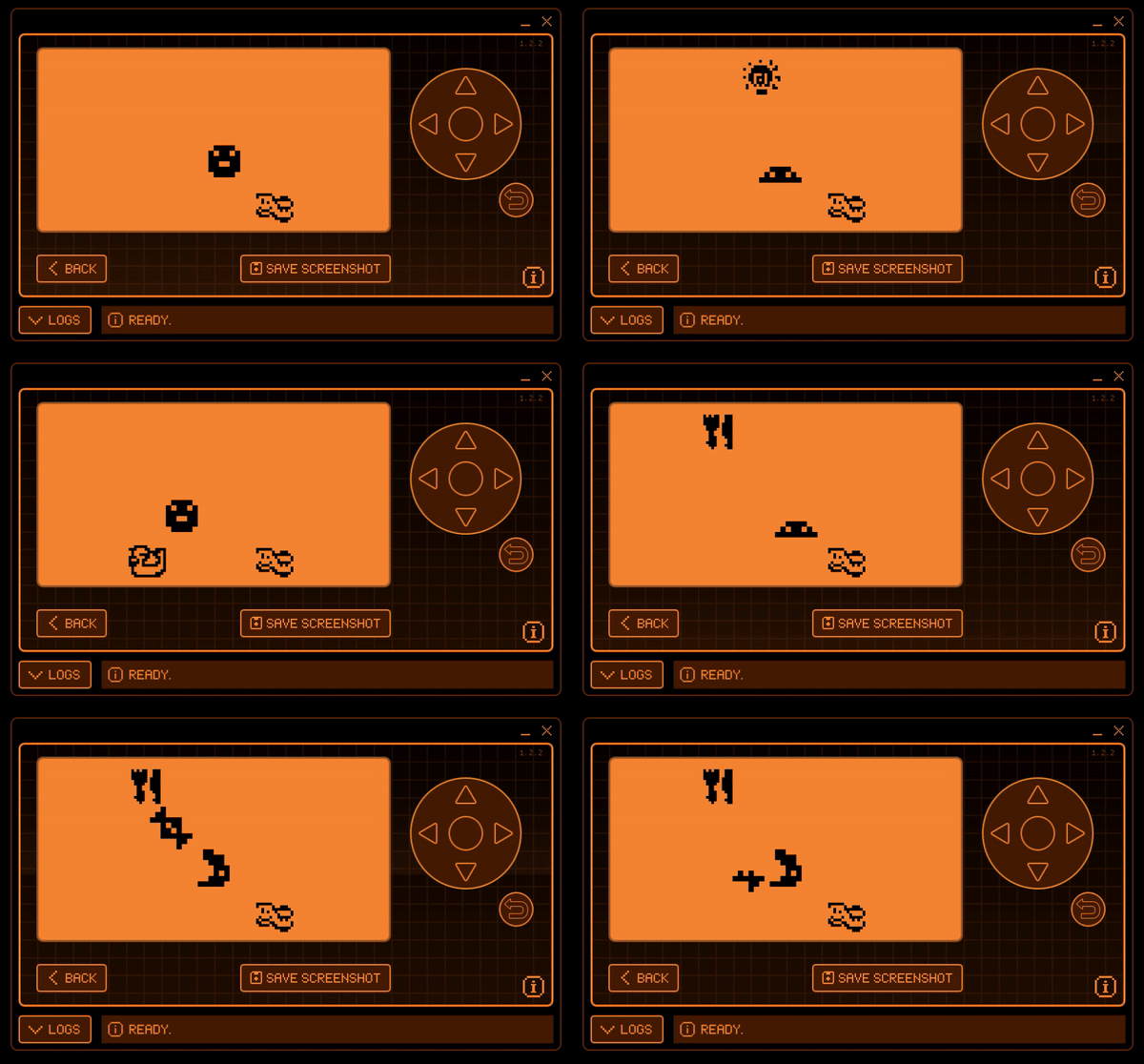
How to play
Create a tama_p1 folder in your microSD card, and put the ROM as rom.bin.
Use a search engine to find the Tamagotchi ROM. There is a file named tama.b.
Rename this to rom.bin.
Controls in portrait mode are the same as landscape mode, but turned 90 degrees.
- Left button is A.
- Down or OK is B.
- Right button is C.
- Up button takes you to the emulator menu.
- Hold the Back button to save and exit.
Building
Move this folder into flippers applications_user/TAMA-P1.
Launching the app, directly from console to flipper:
./fbt launch_app APPSRC=applications_user/TAMA-P1
Run the following to compile icons:
scripts/assets.py icons applications_user/TAMA-P1/icons applications_user/TAMA-P1/compiled
Note: you may also need to add -Wno-unused-parameter to CCFLAGS in
site_cons/cc.scons to suppress unused parameter errors in TamaLIB.
Debugging
Using the serial script from FlipperScripts it is easy to add direct logging after running the application:
`python .\serial_logger.py`

`./fbt launch_app APPSRC=applications_user\TAMA-P1;  python .\serial_logger.py`
Alternatively, follow the directions here: https://flipper.atmanos.com/docs/debugging/viewing/
Implemented
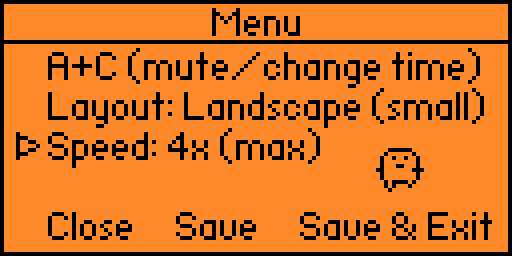
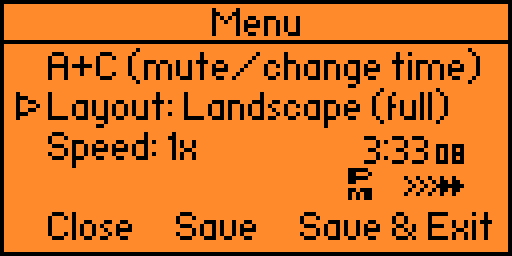
- Menu options:
- Switch between portrait and landscape
- A+C shortcut (mute/change in-game time)
- Double / quadruple speed
To-Do
- Fix bugs:
- When not on 1x speed, after mashing buttons in quick succession, buttons stop responding for a few seconds. But the rom still runs.
- Stuff to do when bored:
- optimization and bug fixing (see above)
- add to this list
- portrait menu
- Add "loading bar" when saving
- "Advanced" settings
- saving and loading, multiple save states, with the date and time of of each save.
- Autosave and changing autosave frequency
- Save settings to /tama_p1/settings.txt