
README.md 7.4 KB
flipperzero-geigercounter
A geiger counter application for the Flipper Zero

You need a geiger counter board to run this application. This board can be used : https://aliexpress.com/item/1005004074447209.html
You also need jumper wires to connect the board on the Flipper Zero.
Note 1 : this board uses a J305 geiger tube. According this website gamma conversion factor is 0.0081 for this tube. This value has been declared in the header of the source file so you can change it easily if needed. Incorrect conversion factor will give false measurements when Sv or Rad is selected.
Note 2 : J305 geiger tube is only sensible to beta and gamma rays. Alpha rays cannot be detected.
Usable radioactive sources :
- natural uranium (alpha, beta, gamma)
- natural thorium (alpha, beta, gamma)
- radium-226 (alpha, beta, gamma)
- cobalt-60 (beta & gamma)
- iodine-131 (beta & gamma)
Not really usable radioactive sources :
- americium-241 (alpha & low gamma, some strong beta/gamma rays are emitted during radioactive cascade)
- high purity metallic uranium/thorium (same as am241)
Totaly unusable radioactive sources :
- polonium-210 (pure alpha)
- tritium (very low beta)
The geiger counter board can be powered with +5V power pin of the Flipper Zero. This pin will automatically be enabled when the program is launched.
Output pin for measure on arduino cannot be used on the Flipper Zero because output voltage is too low. You can use jack out port instead. Just cut audio jack cable and connect audio channel (left, right or both together) with a cut half male jumper wire to A7 GPIO :

Black wire is usually used for the ground (sleeve on the schematic). You can use a multimeter to be sure or simply test other wires.
Global schema :

Build the program
Assuming the toolchain is already installed, copy flipper_geiger directory to applications_user
Plug your Flipper Zero and build the geiger counter :
./fbt launch_app APPSRC=applications_user/flipper_geiger
The program will automatically be launched after compilation

A4 GPIO can be connected on A7 GPIO to test this application without using a geiger tube. A4 GPIO is generating a signal whose frequency changes every second.
Button assignments :
Ok [long press] : clear the graph Left/Right [short press] : choose right unit (cpm, μSv/h, mSv/y, Rad/h, mRad/h, uRad/h), cps is always displayed Up/Down [short press] : zoom / unzoom Back [long press] : exit
If you don't want to build this application, just simply copy flipper_geiger.fap on your Flipper Zero Build has been made with official toolchain, API Mismatch error may appear if you are using custom firmware. You can bypass this error.
Use cases
Ambient radioactivity (descendants of radon gas are detected, not radon itself) :


Measure of uranium ore piece inside a lead container :


Note : measures in Sv or Rad are not precise
Measure of uranium ore piece (the most radioactive part) in contact with the geiger tube :

Measure of radium dial pointers in contact with the geiger tube :

All previous measures in a row (the scale of the graph is automatically adjusted) :

Measure of uranium orange pottery :

Measure of americium-241 button from a smoke detector :

A4 GPIO on A7 GPIO :

Zoom levels (the third picture is the default zoom) :


User gallery
BRD8 [Reddit] https://www.reddit.com/r/flipperzero/comments/110062z/am_i_a_hacker_now_mom/ :

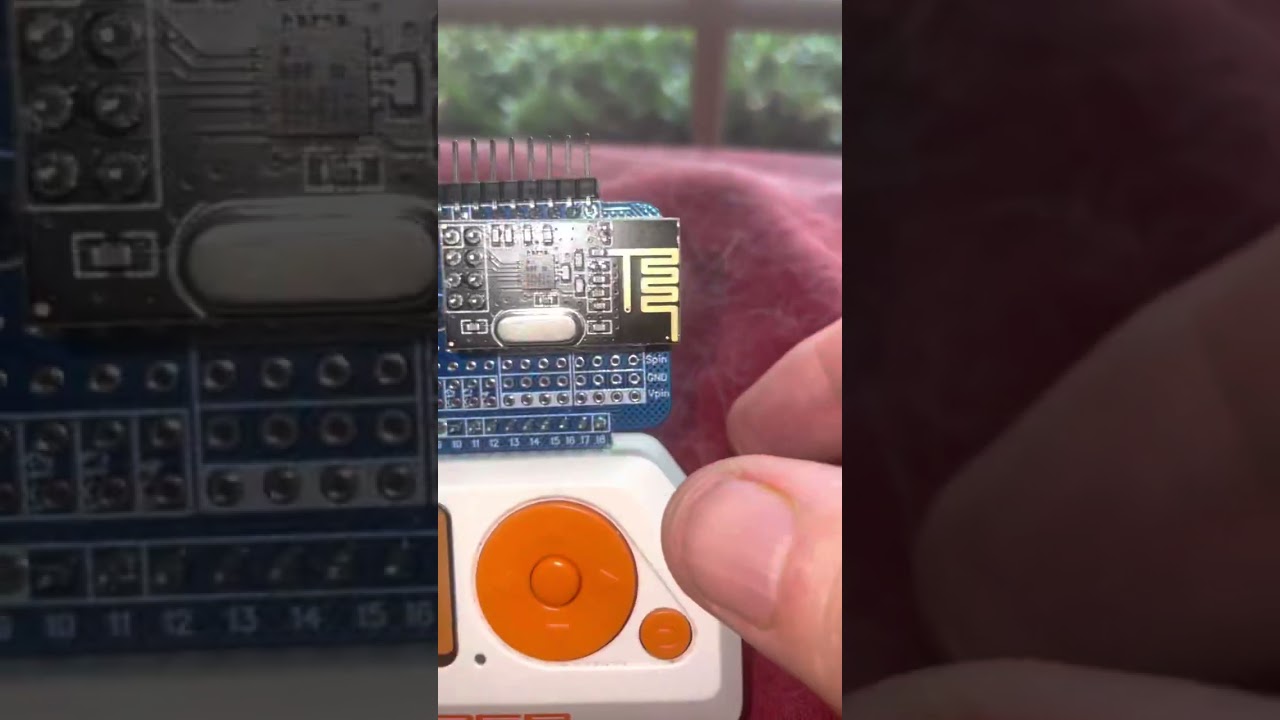
Funbob235 [Reddit] https://www.reddit.com/r/flipperzero/comments/13m1qly/testing_of_the_geiger_counter/ :

What's next ?
Here are some nice ideas to improve this app :
- Save output data in XML / JSON file
- Use the geiger board as random number generator
- Send data on the air in real time to monitor remotly
- Buzz when it gets dangerous like a dosimeter
Changelog
2023-06-25
- Add zoom levels
- User gallery has been added
2023-06-08
- Bug fixing
2023-04-11
- More usable/unusable sources
- Rad unit has been added
- Code refactoring by replacing old mutex call by new method
2023-03-01
- Usable/unusable sources have been added
2023-02-26
- More clarity about how to connect audio jack cable on A7 GPIO
2023-02-02
- μSv/h and mSv/y have been added
- 5V pin is automatically enabled when the program is launched
2023-01-15
- Code fix & optimizations
- More events can be handled without any issue
2023-01-09
- Code fix
- Global schema was added
2023-01-08
- Initial release