### Features
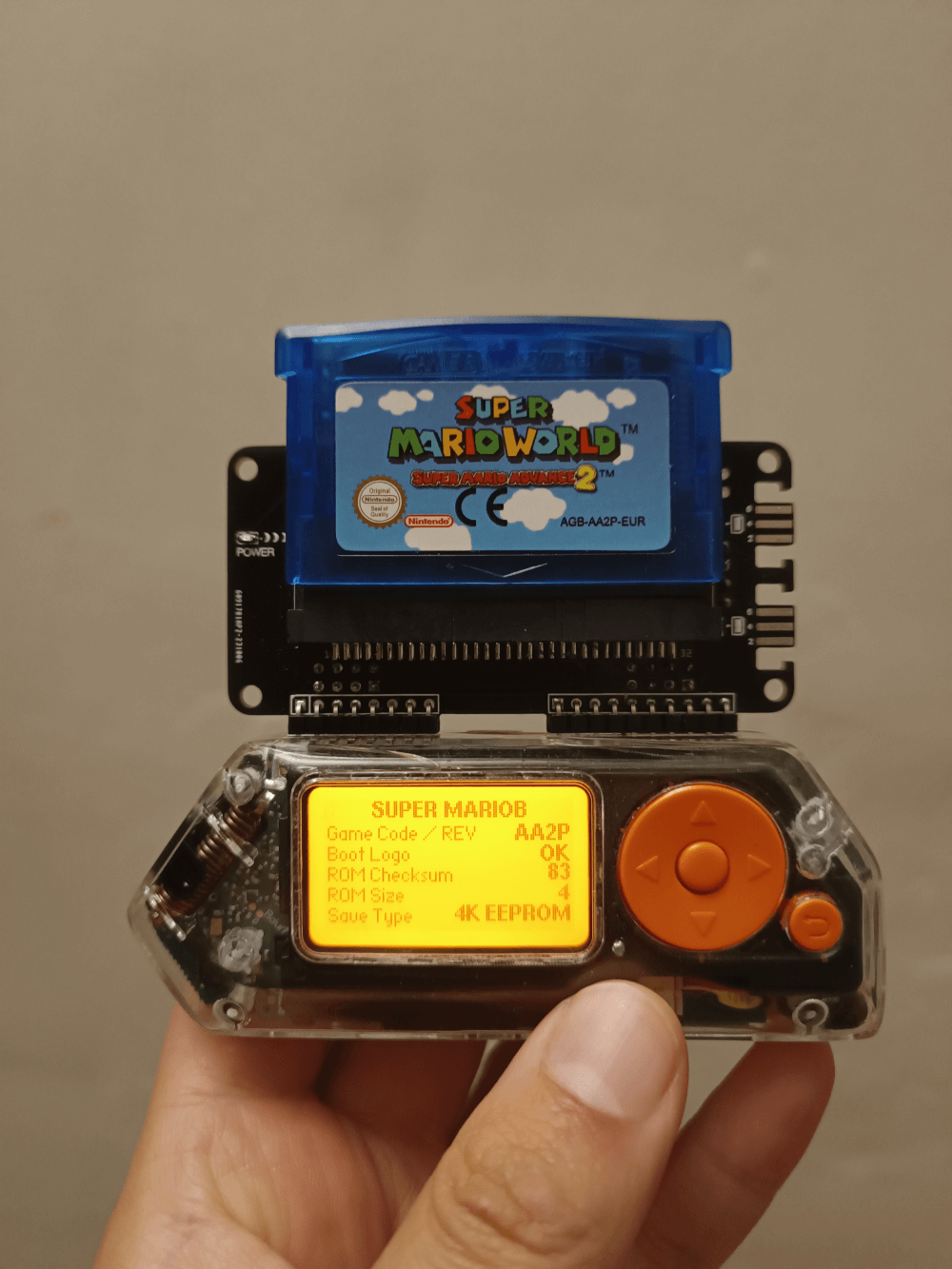
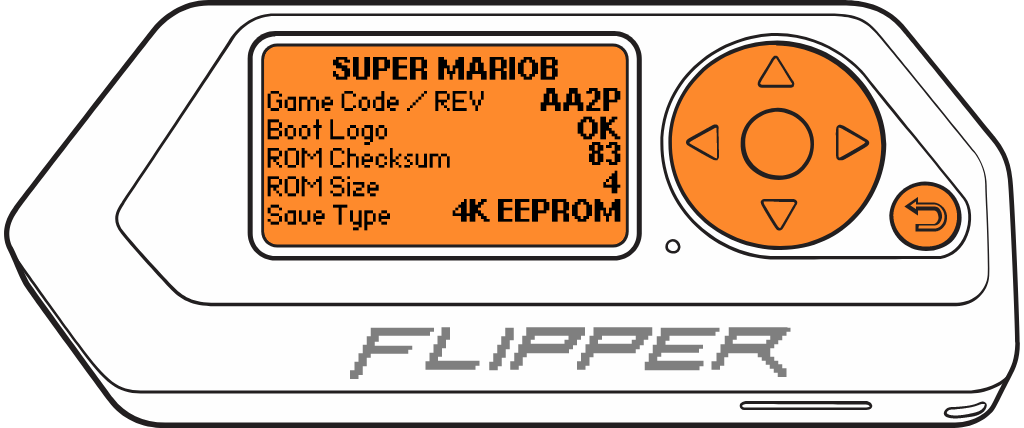
- Read info from GAME BOY ADVANCE Cartridges
- Backing up and restoring your saves (RAM) (WIP)
- Backing up and restoring your games (ROM) (WIP)
## Instructions for use.
These instructions assume that you are starting at the Flipper Zero desktop. Otherwise, press the Back button until you are at the desktop.
- Press the `OK` button on the Flipper to open the main menu.
- Choose `Applications` from the menu.
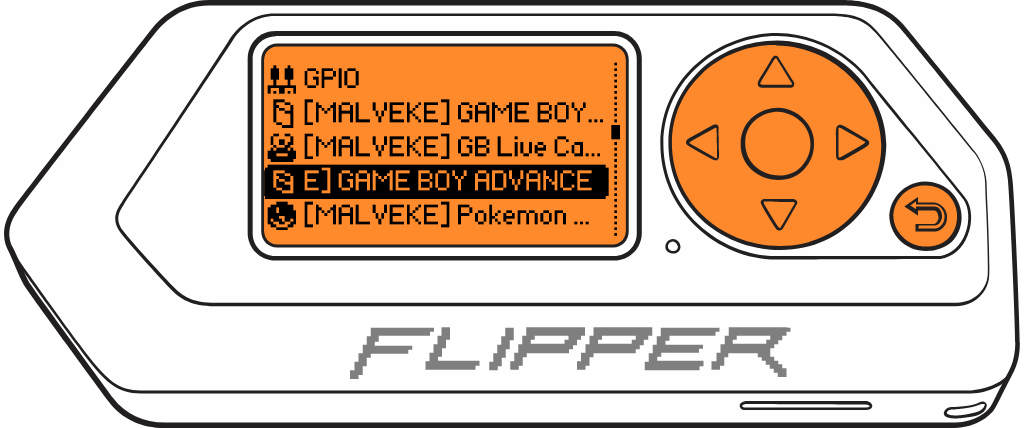
- Choose `GPIO` from the submenu.
- Choose `GAME BOY ADVANCE Cartridge MALVEKE`
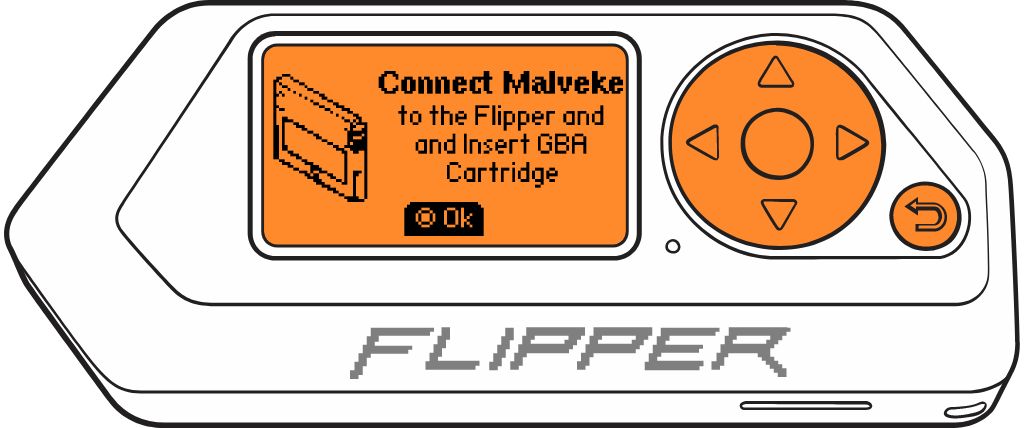
- If the **MALVEKE** board and the cartridge are connected, The Flipper Zero will show the loading screen of the application.
- Press the `OK` to enter to menu.
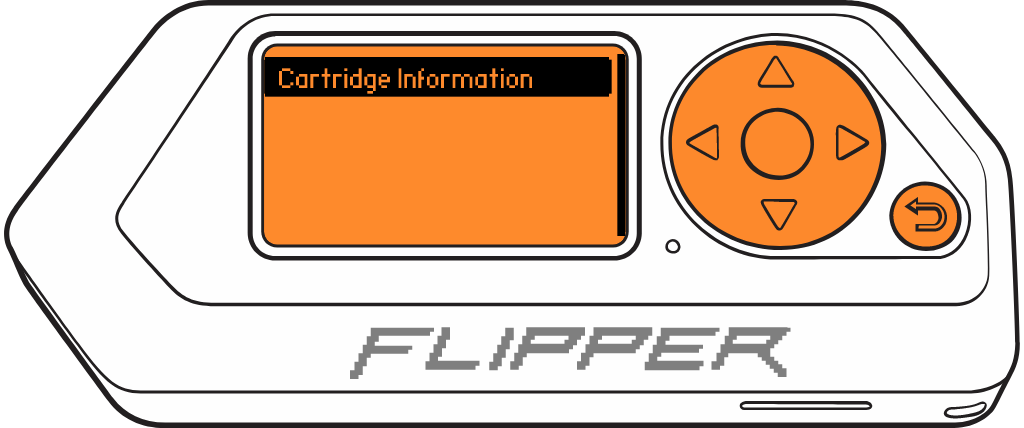
- Select `Cartridge Information` to view details about the inserted cartridge.
- WIP...
- Press the `Back` to back to principal menu.